Completing the AWS Cloud Resume Challenge: A Beginner's Experience
From Small Steps to Success

Salutations Fellow Cloud Enthusiasts,
It’s the middle of 2024, and time seems to be flying by. Looking back, I’m proud of how far I’ve come since April 2023 when I started learning networking as a complete beginner. My journey began with repeated failures on the Juniper Networks Certified Internet Associate (JNCIA) exam—not once, but twice! However, by the end of the year, I turned things around after enrolling in a cloud bachelor’s program and acquiring the CompTIA Network+ certification. I also joined my school’s cybersecurity club, where I participated in capture the flags (CTFs) and earned two more certifications(CCST & AWS Cloud Practitioner). Despite these accomplishments, by early 2024, I still hadn’t landed an entry-level IT job, let alone a cloud position. Every job I applied for required professional experience, which I lacked. Sound familiar?
Enter The Cloud Resume Challenge (CRC), created by Forest Brazeal. The CRC is a project designed to give you hands-on experience with cloud technologies, enhance your resume, and demonstrate your ability to manage and deploy cloud-based solutions. In a nutshell, the challenge involves hosting a static website with a visitor counter (powered by a serverless function) and your resume info, all on a cloud service provider like AWS. The project also includes setting up a CI/CD pipeline, which I accomplished using GitHub Actions. The final piece is configuring Infrastructure as Code (IaC), which I plan to complete with Terraform. This is a simplified overview, but I don’t want to overwhelm you with technical jargon just yet!
You can learn more about the challenge here: Forest's Website
Now that you have some context, let me share my personal experience. This won’t be a step-by-step guide, but I do plan to create something similar in the future, broken down into digestible chunks to avoid information overload. Trust me, there’s a lot more to this challenge than meets the eye, so stay tuned for those tutorials!
The Beginning
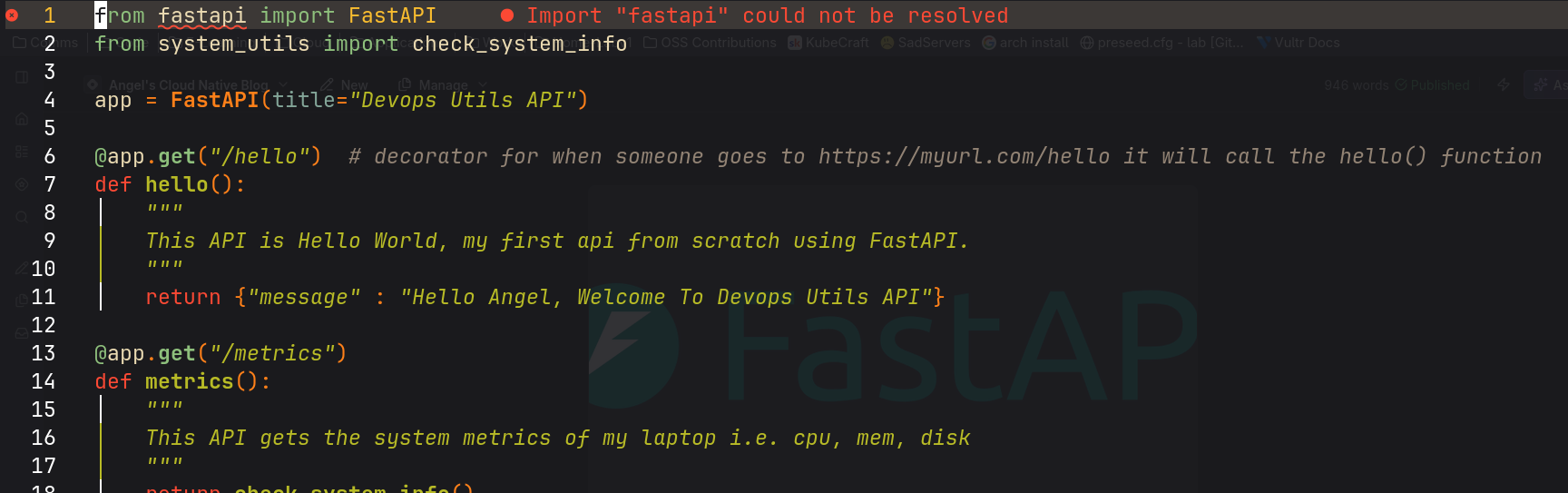
I first learned about the CRC from Gwyneth Peña S., a cloud YouTuber I admire. Since she specializes in Azure, my initial attempt was with Azure. Unfortunately, I ran into issues, particularly with the visitor counter. I tried using C#, but quickly realized it wasn’t the right fit for me. Overwhelmed by new technologies and college technical classes in Java and AWS, I had to reassess my approach. Looking back, I see that I had spread myself too thin. So, I made an "executive decision" to push my code to GitHub and recreate/restart the project in AWS.
If you’ve made it this far, kudos to you! (And I guess I’m doing alright so far.) Check out my completed AWS serverless resume website here: My Resume Website
Recreation
Recreating the project in AWS was much smoother. I reused the same HTML and CSS for the frontend so the site looked the same. I uploaded my files to S3, created a CloudFront distribution for dynamic caching and HTTPS support, and registered a domain in Route 53. I then wrote a Lambda function in Python 3.11, which worked seamlessly (C# was definitely not for me). This function interacts with a DynamoDB database to keep track of the visitor counter. I could've used API Gateway for secure communication between the function and the database, though Lambda's auto-created "functionURL" worked fine for me. A bit of JavaScript was needed to invoke the Lambda function and display the updated data. However, when I visited the site, the counter wasn’t displaying due to a timing issue with the DOM content loading. Fortunately, a one-line fix with ChatGPT’s help resolved the issue. (Again, this isn’t a detailed guide, so if you want to be notified when I publish those tutorials, subscribe to my newsletter!)
The final step was creating a CI/CD pipeline for the frontend files using GitHub Actions, which turned out to be surprisingly simple. The project was complete, except for the IaC component, which I plan to finish soon. I also intend to learn Docker and containerize the project for fun.
Final Thoughts and Key Takeaways
Recreating this project in AWS turned out to be a smooth process, thanks to the lessons I learned from my initial attempt in Azure. Here’s a quick summary of what I accomplished:
Reused Frontend Code: I used the same HTML and CSS, ensuring consistency in design.
AWS Setup: I uploaded files to S3, set up CloudFront for dynamic caching and HTTPS, and registered a domain with Route 53.
Serverless Function: I wrote a Lambda function in Python 3.11, which interacts with DynamoDB to manage the visitor counter.
CI/CD Pipeline: I implemented a straightforward CI/CD pipeline using GitHub Actions for the frontend.
Key Takeaways:
Flexibility is Key: Switching from Azure to AWS was a strategic decision that aligned better with my skills and project requirements. Sometimes, changing tools or platforms can make a significant difference.
Hands-On Experience Matters: Completing the CRC not only enhanced my technical skills but also provided practical experience that is highly valued by employers.
Embrace Learning: Challenges like these are opportunities to learn and grow. Even if things don’t go as planned initially, perseverance and adaptability can lead to success.
Whew! I haven’t written this much in a while(hopefully it doesn't show) lol XD.
Thank you for following along with my journey through the Cloud Resume Challenge. Stay tuned for more posts, beginning with an in-depth, step-by-step guide on the frontend portion of this project. If you’re interested in learning more or have any questions, don’t hesitate to subscribe to my newsletter!
About the author
- I am a cloud student, engineer, husband, father. Just documenting my journey as I learn cloud technologies. Want to connect or potentially hire?! connect with me on Linkedin
Comments
Join the discussionNo comments yet. Be the first to comment.